

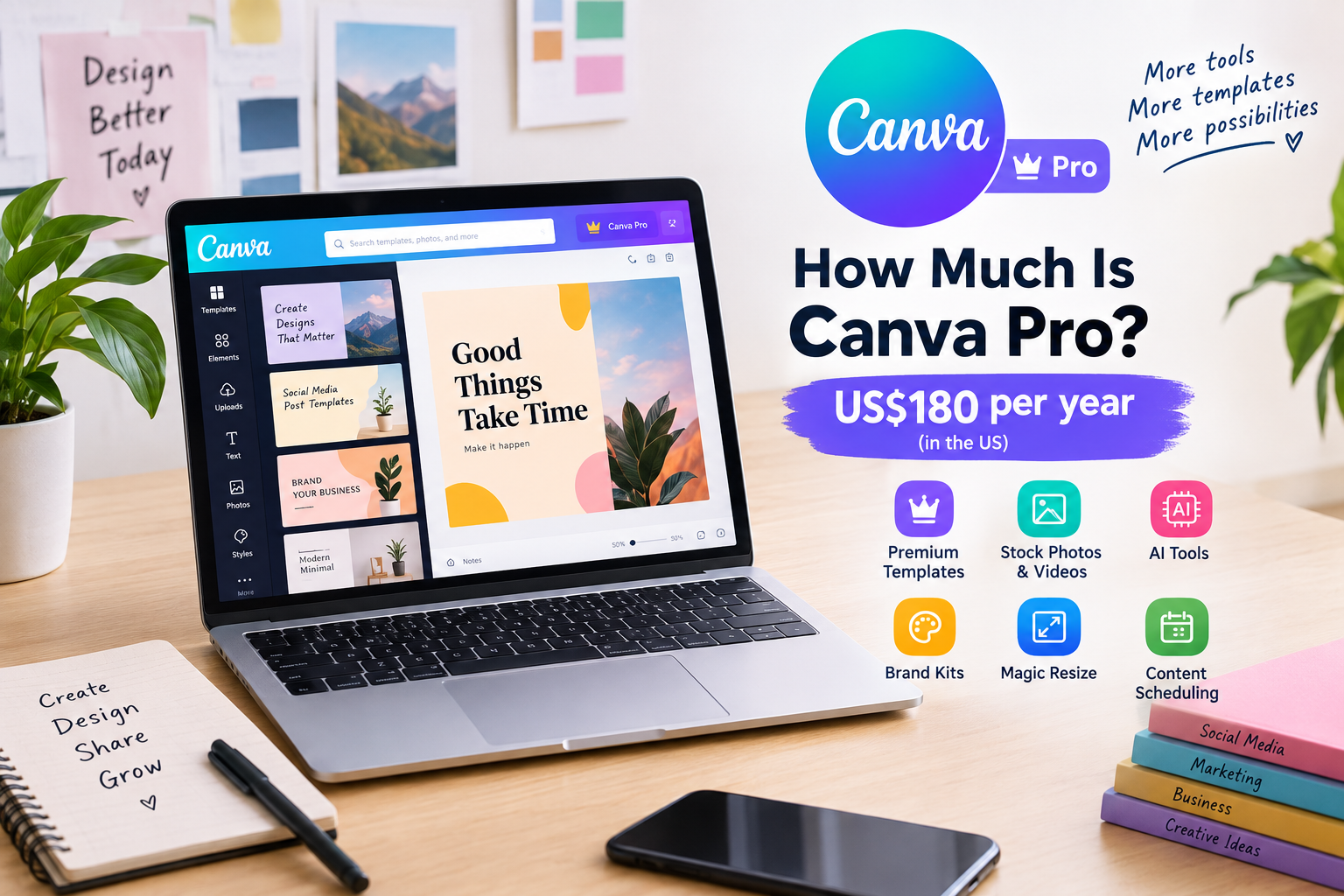
Find out how much is Canva Pro costs in 2026, what you get for the price, and whether the premium design plan is worth it for creators and businesses.
If you create social media posts, presentations, YouTube thumbnails, business graphics, or marketing content, you have probably heard of Canva Pro. Canva’s free version is useful, but many popular tools and premium assets require a paid plan.
So, how much is Canva Pro? The answer depends on your country, currency, and billing option. Canva’s official pricing page currently lists Canva Pro at US$180 per year for one person in the United States. Canva also notes that prices can vary by location.
This guide explains Canva Pro pricing, what is included, how it compares with Canva Free, and when upgrading may make sense.
How Much Is Canva Pro?
As of 2026, Canva’s official US pricing page lists Canva Pro at US$180 per year for one person when billed annually. That works out to an average of about US$15 per month.
Canva also offers monthly billing, but the exact price can depend on the country and billing information associated with your account. Canva states that pricing may vary by location, so users should check the official pricing page while logged into their Canva account before purchasing.
For example, Canva displays localized pricing in different currencies. Its UK pricing page currently lists Canva Pro at £100 per year, while the Australian page lists A$165 per year.
This means there is no single worldwide Canva Pro price.
For users in countries such as Pakistan, the amount shown during checkout can differ from the US dollar price because Canva uses regional pricing and local billing information.
What Is Canva Pro?
Canva Pro is Canva’s premium subscription for individual creators and users who need more design resources and advanced tools.
The free version of Canva already provides templates, design tools, cloud storage, and free content. Canva Pro adds premium templates, premium photos, videos, graphics, fonts, AI-powered features, Brand Kits, background removal, content scheduling, and other tools.
The main purpose of Canva Pro is to help users create professional-looking content faster.
You do not need to be a professional graphic designer to use it. A small business owner, blogger, student, social media manager, freelancer, teacher, or content creator can use Canva Pro for everyday design work.
Canva Free vs Canva Pro
Canva Free is enough for people who only need basic design features.
The free plan currently includes more than 1,000 design types, over 1.6 million templates, more than 4.7 million photos, videos, graphics, and audio assets, and 5GB of cloud storage.
Canva Pro expands these resources considerably. Canva currently lists more than 3.6 million templates and more than 141 million premium photos, videos, graphics, and audio assets for Pro users. Pro also includes 100GB of cloud storage and five Brand Kits.
The difference becomes more noticeable when you use Canva regularly.
Imagine that you manage an Instagram page and need to create 20 posts every month. With Canva Free, you can still create those posts, but you may frequently encounter premium templates or images that require payment.
With Canva Pro, many of those premium assets become available as part of your subscription.
What Do You Get With Canva Pro?
The value of Canva Pro comes from the combination of premium content and time-saving tools.
Premium Templates
Templates are one of Canva’s biggest attractions. Instead of creating a design from an empty page, you can start with an existing layout.
Canva Pro provides access to millions of templates, including premium designs.
For example, a small business owner can search for an Instagram post template, change the colors and text, add a logo, and publish the finished design.
This can reduce the time needed to create marketing graphics.
Premium Photos, Videos, Graphics, and Audio
Canva Pro provides access to a much larger premium content library.
This can be useful when you need stock photography for a blog image, background video for a social media post, music for a presentation, or graphics for an advertisement.
how much is Canva Pro explains that Pro users receive a Pro Content license for content included with their subscription, without the watermarks that free users see on Pro content.
That can be especially useful for people creating commercial content.
Background Remover
The background remover is another popular Canva Pro feature.
Suppose you have a product photo with a messy background. Instead of opening another image-editing program, you can remove the background inside how much is Canva Pro.
This is useful for ecommerce stores, product advertisements, social media graphics, profile images, and promotional material.
Magic Resize and AI-Powered Tools
Canva Pro includes AI-powered and automated design tools that can save time.
One common example is resizing a design for different platforms.
You may create a graphic for Instagram and then need another version for a presentation, advertisement, or other format. Automated resizing can make this process much faster than manually rebuilding the design.
Canva currently highlights AI tools for tasks such as resizing, translating, and removing backgrounds.
Brand Kits
Brand consistency matters when you run a business.
A Brand Kit allows you to organize important brand elements such as logos, colors, and fonts.
Canva Pro currently includes up to five Brand Kits.
For example, a freelance social media manager working with several clients can keep different brand assets organized instead of searching for the correct logo and color codes every time.
Social Content Scheduling
Canva Pro also includes social content scheduling.
This can be useful for creators and marketers who prepare content in advance.
Instead of creating an image in how much is Canva Pro and then manually uploading it to a social platform later, scheduling tools can help organize publishing as part of the content workflow.
How Much Is Canva Pro Per Month?
The answer depends on whether you choose monthly or annual billing and where your Canva account is registered.
The current US annual price of US$180 works out to approximately US$15 per month when averaged across 12 months.
However, you should not assume that US$15 is the monthly price in every country.
Canva uses location-based pricing, and its terms state that subscription pricing may vary by location.
The safest way to find the exact amount you will pay is to open Canva’s official pricing page and check the price displayed for your account and region.
Check Canva’s official pricing page
Is Canva Pro Available on a Free Trial?
Canva promotes a free trial for Canva Pro, although the exact trial offer can vary.
Its current Pro page provides a “Start your Canva Pro free trial” option.
A free trial can be useful if you are unsure whether you need premium features.
For example, imagine you have a large project coming up and need background removal, premium images, premium templates, and resizing tools. Testing Pro before committing can help you decide whether those features actually improve your workflow.
Always check the trial terms shown at signup, including the renewal date and subscription price.
Does Canva Pro Automatically Renew?
Paid Canva subscriptions can automatically renew.
Canva’s terms explain that Pro subscriptions can be billed monthly or annually and automatically renew according to the selected billing period. how much is Canva Pro also states that users can cancel their subscription, although previously billed amounts are not automatically refunded or credited.
This is important when starting a free trial.
If you do not want the subscription to continue after the trial, check your account’s subscription settings and the cancellation terms before the renewal date.
Is Canva Pro Worth the Money?
Whether Canva Pro is worth the cost depends on how often you use Canva and which features you need.
Someone who creates one birthday invitation every few months may have little reason to pay for a premium subscription.
A person who creates social media content every day has a different situation.
Consider a freelance designer who spends two hours creating several social media graphics. If Canva Pro’s templates, premium assets, background remover, and automated tools reduce that work significantly, the subscription may provide practical value.
The same applies to small businesses.
A restaurant could use how much is Canva Pro to create menus, promotional graphics, social media posts, event announcements, and advertisements. An online store could use it for product graphics and promotional campaigns.
The value is not simply the number of templates you receive. The bigger question is how much time the tools save you.
Canva Pro for Bloggers
Canva Pro can also be useful for bloggers.
A blog post often needs visual content such as featured images, social media graphics, diagrams, Pinterest-style graphics, or promotional images.
Instead of creating every visual from scratch, a blogger can use Canva templates and customize them to match the website’s branding.
For someone publishing several articles every week, this can make the content production process more efficient.
However, Canva Pro does not automatically make a blog successful. Good content, search intent, technical SEO, useful information, and consistent promotion still matter.
Canva Pro for Social Media Managers
Social media managers can benefit from Canva Pro because their work often requires many designs in different formats.
One client may need Instagram posts. Another may need Facebook graphics. A third may need LinkedIn content.
Brand Kits can help keep each client’s colors, fonts, and logos organized.
The large template and media library can also provide a starting point when creating new content.
For someone managing multiple accounts, these time savings can be more important than the subscription price itself.
Canva Pro for Students
Students can use Canva for presentations, posters, resumes, class projects, social media graphics, and other visual assignments.
However, students should not assume that every student automatically receives how much is Canva Pro for free.
Canva currently states that its Canva Education offering is designed for primary and secondary school students and educators, while college and university students can use Canva Free or upgrade to Canva Pro.
If you are a university student, check whether your institution provides any Canva-related access before purchasing a personal subscription.
Can You Use Canva Pro for Commercial Work?
Canva allows its content to be used in many personal and commercial designs, subject to its licensing rules.
For example, Canva explains that its content can be used in designs for marketing and social media and even for certain merchandise.
However, having a Canva Pro subscription does not mean that you can simply resell Canva’s individual stock assets as standalone files.
The content license has specific rules about how much is Canva Pro content can be used.
If you are creating designs for clients or selling products, read Canva’s current licensing information before using particular assets commercially.
Can You Share Canva Pro With Other People?
Canva Pro is primarily designed for an individual user.
Canva explains that Pro is intended for individuals, while Canva Business provides additional collaboration and team features.
This distinction matters for businesses.
If several employees need separate access, a business plan may be more appropriate than sharing one personal account.
Sharing account credentials can also create security and account-management problems.
Canva Pro vs Canva Business
Canva now offers Canva Business for individuals and growing teams that need additional business and collaboration features.
Canva’s current pricing page lists Canva Business at US$250 per year per person in the United States.
Canva describes Business as a plan with features such as collaboration and team administration, more Brand Kits, approvals, additional AI usage, and other business-focused tools.
For a solo creator, Canva Pro may provide enough functionality.
For a growing business with several people working on content, Canva Business may provide tools that better fit a team workflow.
What Is the Cheapest Way to Get Canva Pro?
The most straightforward way to get how much is Canva Pro is through Canva’s official website.
Avoid buying suspicious “lifetime Canva Pro” accounts or shared accounts from unknown sellers. Such offers can create problems with account access, payment, licensing, and security.
Canva itself provides the official subscription options and current regional pricing.
If you only need Canva occasionally, staying with Canva Free may be the cheapest option.
If you use premium features regularly, compare the monthly and annual options displayed in your account and choose the billing period that fits your needs.
Frequently Asked Questions About Canva Pro
How much is Canva Pro right now?
Canva’s current US pricing page lists Canva Pro at US$180 per year for one person. Pricing can vary by country and currency, so users should check the official Canva pricing page for their local price.
Is Canva Pro free?
Canva Pro is a paid subscription, although Canva offers a free version of how much is Canva Pro and may provide a free trial for Pro. Canva’s current Pro page promotes a free trial option.
Is Canva Pro worth it?
It depends on how frequently you use Canva and whether you need premium templates, stock content, Brand Kits, AI tools, background removal, scheduling, and other Pro features. Occasional users may find Canva Free sufficient, while frequent creators may get more practical value from Pro.
What is the difference between Canva Free and Pro?
Canva Free provides basic design tools and a selection of templates and media. how much is Canva Pro adds premium content, more templates, additional Brand Kits, more storage, AI-powered features, background removal, resizing tools, and other premium functions.
Can I cancel Canva Pro anytime?
Canva’s terms state that users can cancel their subscription at any time. However, Canva also states that amounts already billed are not refunded or credited.
How much is Canva Pro for one year?
The current US annual price shown by Canva is US$180 for one person. Regional prices can be different.
Can I use Canva Pro for business?
Yes. Canva allows Pro content to be used in many commercial designs, including marketing and social media work, subject to its content licensing rules. Always review the current license before using Canva assets in commercial products.
Do university students get Canva Pro for free?
Not automatically. Canva currently says Canva Education is available for primary and secondary school students and educators, while college and university students can use Canva Free or upgrade to Canva Pro.
Does Canva Pro include AI features?
Yes. Canva Pro includes AI-powered tools, and Canva currently describes Pro as offering significantly more AI usage than the Free plan. how much is Canva Pro also notes that more advanced AI features can consume more usage allowance.
Conclusion
So, how much is Canva Pro? In the United States, Canva currently lists the annual Pro plan at US$180 for one person, while the actual price can vary by location and currency.
The bigger question is whether the features justify the cost for you. If you regularly create social media graphics, presentations, marketing materials, blog images, videos, or branded content, premium templates, media, AI tools, Brand Kits, and other how much is Canva Pro features can make the design process faster.
If you only create designs occasionally, Canva Free may be enough.
Before subscribing, check the current price for your country, review the available trial and renewal terms, and compare the features you actually use. That way, you can choose a how much is Canva Pro plan based on your real design needs rather than simply paying for features you may never use.

2 Comments
Pingback: Gen AI: 11 Powerful Ways Generative AI Is Changing Work and Technology
Pingback: Databricks Careers: 9 Powerful Ways to Build Skills and Land a Data & AI Job in 2026