
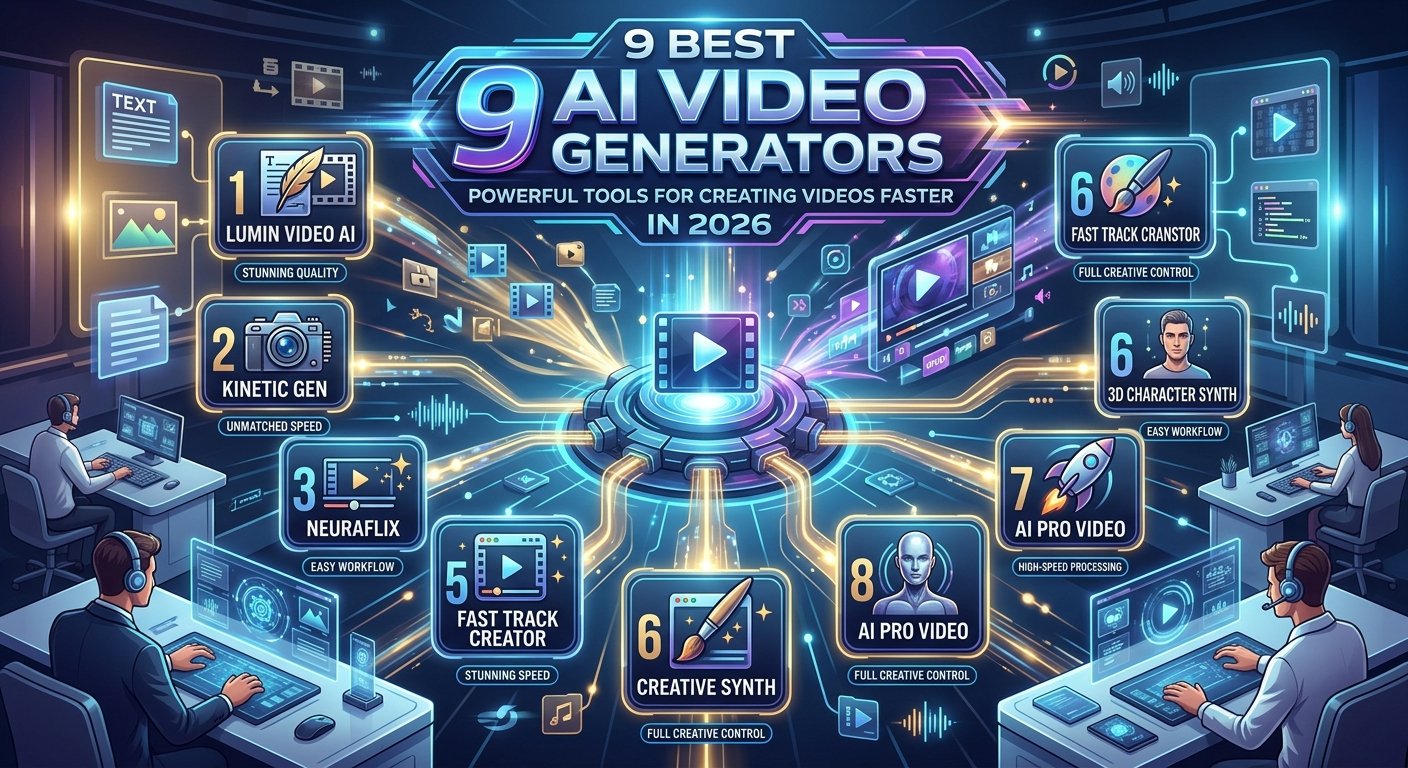
Discover the Best AI Video Generators tools for 2026. Compare features, use cases, video quality, avatars, pricing, and tips for better AI videos.
best AI video generator tools creation used to require a camera, lighting, actors, editing software, and hours of work. Today, AI video generators can turn a simple idea, script, image, or document into a polished video in minutes.
The rapid growth of generative AI has changed how creators, marketers, businesses, teachers, and social media teams produce video content. Instead of starting every project from a blank editing timeline, users can describe what they want and let AI create a first version.
But choosing the best AI video generator is not always easy. Some tools focus on cinematic text-to-video generation, while others are designed for talking avatars, business presentations, marketing videos, or social media content.
In this guide, we explore some of the leading Best AI Video Generators, explain what each tool does well, and show how to choose the right option for your needs.
What Is an Best AI Video Generators?
An AI video generator is software that uses artificial intelligence to create or modify video content from instructions such as text prompts, scripts, images, documents, or existing footage.
Modern platforms can support several different workflows. Some generate short cinematic scenes from text or images. Others create presenter-led videos with AI avatars and voiceovers. Some combine both approaches with editing, captions, music, translation, and other production features.
For example, Synthesia allows users to start with a prompt, script, document, PowerPoint presentation, or URL and generate a video draft. Its platform also supports AI avatars, voiceovers, generated B-roll, and video translation.
This means an AI video generator can be useful for much more than making entertainment videos. Businesses can use these platforms for product demonstrations, training, internal communication, advertisements, social media videos, and educational content.
How to Choose the Best AI Video Generator
The right tool depends on the type of video you want to create.
If you want cinematic scenes, look for strong text-to-video and image-to-video generation. If you need a digital presenter, focus on avatar quality, voice generation, lip synchronization, and language support.
For marketing teams, editing tools, templates, brand controls, captions, and social media formats can be more important than cinematic effects.
You should also consider output quality, generation speed, available credits, commercial usage rights, export options, consistency between scenes, ease of editing, and the amount of control the platform gives you.
A good AI video generator should reduce production work without making the final video feel generic.
9 Best AI Video Generators for 2026
1. Runway
Runway is one of the well-known platforms for Best AI Video Generators creation and is particularly useful for creators who want more cinematic and visual control.
Its video generation tools can create short clips from prompts and images. Runway’s Gen-4 documentation describes 5- and 10-second generations, with multiple aspect ratios for different types of content.
The platform is especially interesting for filmmakers, designers, content creators, advertising teams, and visual artists who want to experiment with AI-generated scenes.
What Makes Runway Useful?
Runway is built around visual experimentation. Users can generate a scene, review the result, change the prompt or input image, and try again.
Its prompting guidance recommends using a strong input image and focusing the text prompt on the desired motion.
This workflow is useful when you already have a visual concept and want to bring it to life.
Runway can also work alongside traditional live-action and visual-effects workflows, making it suitable for creators who do not want to rely entirely on Best AI Video Generators footage.
Best For
Runway is a strong option for cinematic clips, creative experiments, visual effects, concept videos, advertisements, and short-form content.
2. HeyGen
HeyGen focuses heavily on AI avatars, presenter-led videos, text-to-video creation, voiceovers, and multilingual content.
Its current platform supports AI avatars and digital twins, while its text-to-video workflow can turn a script into a presenter-led video. HeyGen states that users can choose from hundreds of avatars or create a digital twin from a short recording.
This makes it particularly useful for businesses that need professional communication without recording a presenter every time.
What Makes HeyGen Useful?
One of its biggest advantages is the combination of avatars, voice generation, translation, and editing.
A business can create a product explanation in one language and then adapt it for international audiences. HeyGen says its platform supports voiceovers and dubbing across 177+ languages and dialects.
That can save considerable production work for companies with global audiences.
Best For
HeyGen is well suited to marketing videos, sales presentations, training content, social media clips, product explainers, and multilingual business communication.
3. Synthesia
Synthesia is designed mainly for professional and business video creation.
It can create videos from prompts, scripts, documents, URLs, and presentations. The platform combines AI avatars, voiceovers, generated visuals, editing, translation, and brand controls.
This makes it different from tools that focus only on cinematic Best AI Video Generators.
What Makes Synthesia Useful?
Synthesia is particularly useful when you need repeatable video production.
For example, an HR team could create employee onboarding videos. A software company could create product training. A marketing team could produce multiple versions of an explainer video.
The platform supports more than 160 languages for AI voiceovers and translation, according to its current product information.
It also supports AI-generated B-roll and lets users start from documents or presentations.
Best For
Synthesia is a strong fit for corporate training, onboarding, internal communication, sales enablement, educational videos, and business marketing.
4. InVideo AI
InVideo AI is designed to make video production easier for people who do not want to handle every editing task manually.
A typical workflow starts with an idea or script, followed by AI-generated scenes, voiceovers, media, and editing.
This type of workflow can be useful for YouTube creators, social media marketers, bloggers, and small businesses.
What Makes InVideo AI Useful?
The biggest advantage of this style of AI video platform is speed.
Instead of manually searching for footage, arranging scenes, recording narration, and adding captions, users can begin with a concept and allow the platform to build a first draft.
The important point is that AI-generated drafts should still be reviewed. A human should check the script, facts, visuals, timing, voice, and brand message before publishing.
Best For
InVideo AI is suitable for social media content, YouTube videos, marketing content, educational videos, and quick promotional projects.
5. Google Veo
Google’s Veo family represents another major direction in AI video generation: creating more realistic and cinematic video from text and other inputs.
Veo is particularly relevant for users who want generated scenes rather than traditional avatar presentations.
The technology can be useful for creative storytelling, concept development, advertisements, visual experiments, and short cinematic sequences.
What Makes Veo Interesting?
The major attraction of modern generative video models is the ability to describe a scene instead of manually constructing every visual element.
For example, a creator might describe a futuristic city at night, specify camera movement, lighting, atmosphere, and subject motion, and then generate a short sequence.
The quality of the prompt matters greatly. Specific descriptions of movement, composition, camera behavior, and visual style can help produce more useful results.
Best For
Veo is particularly relevant for creative professionals, filmmakers, advertisers, designers, and creators interested in generative cinematic footage.
6. Kling AI
Kling AI has become another important name in generative video.
The platform is designed around AI-generated visual content and can be useful for text-to-video and image-to-video experiments.
One of its practical uses is animating a still image. This can help creators turn product images, characters, illustrations, or other visual assets into short video sequences.
What Makes Kling AI Useful?
Image-to-Best AI Video Generators can be easier to control than starting completely from text.
You can first create or select an image that establishes the appearance of the scene. Then the AI can generate movement around that visual foundation.
This approach is useful for social media content, product concepts, digital art, and creative storytelling.
Best For
Kling AI is worth considering for creators who want to experiment with cinematic AI clips, image animation, and visual storytelling.
7. Pika
Pika is aimed at creative Best AI Video Generators and short-form visual effects.
It is especially interesting for creators who want to transform images or ideas into engaging social content.
What Makes Pika Useful?
Short videos often need an immediate visual hook.
AI effects can help turn a simple image into a more dynamic piece of content. This can be useful for social posts, creative experiments, memes, promotional clips, and visual storytelling.
Pika’s appeal is largely connected to fast experimentation. Creators can test different concepts without setting up a traditional production process.
Best For
Pika can be useful for social media creators, digital artists, marketers, and anyone experimenting with short Best AI Video Generators.
8. Adobe Firefly Video
Adobe Firefly is another important option for creative professionals because it sits within a larger creative ecosystem.
For users who already work with Adobe tools, Best AI Video Generators can fit into an existing production workflow rather than requiring a completely separate creative environment.
What Makes Adobe Firefly Useful?
Professional video production often requires more than generating a clip.
Creators may need to edit footage, add graphics, adjust images, create visual effects, add sound, and prepare different versions for different platforms.
An AI system that fits into a broader creative workflow can therefore be useful.
Adobe’s approach is also relevant for marketers and designers who already use Adobe’s creative applications.
Best AI Video Generators
Firefly is worth considering for designers, video editors, marketing teams, creative agencies, and professionals already using Adobe’s ecosystem.
9. Canva AI Video Tools
Canva is widely used for presentations, social media graphics, marketing materials, and simple video editing.
Its AI features make it easier for users to move from an idea to visual content without needing advanced editing skills.
What Makes Canva Useful?
Canva’s main advantage is simplicity.
A small business owner may not want to learn professional video editing software just to create an Instagram Reel or promotional video.
A template-based workflow can make the process faster.
Canva is especially useful when the same project needs graphics, text, branding, images, and video in one place.
Best For
Canva works well for social media marketers, small businesses, bloggers, teachers, creators, and beginners.
Best AI Video Generators Compared by Use Case
Different tools are designed for different jobs.
For cinematic AI footage, Runway, Veo, and Kling AI are relevant choices because their workflows focus on generated scenes and visual motion.
For talking-head and presenter videos, HeyGen and Synthesia are more suitable because they provide AI avatars, voices, and presentation-focused workflows.
For business training and internal communication, Synthesia can be particularly useful because it supports documents, presentations, avatars, multilingual videos, and business-oriented workflows.
For social media content, platforms such as Canva, Pika, and InBest AI Video Generators can make it easier to combine text, visuals, templates, and short video clips.
There is no single tool that is perfect for every project.
How to Create a Video With an Best AI Video Generators
The process usually begins with an idea.
Start by deciding what the video needs to achieve. A product advertisement has a different structure from a YouTube tutorial or employee training video.
Next, write a short script. Keep the language natural and focus on one main message.
Then choose your visual approach. Decide whether you need an AI presenter, cinematic footage, animated graphics, screen recordings, product images, or a combination.
After that, create your first AI version.
Do not expect the first generation to be perfect. Review the result carefully and improve the prompt, script, visuals, voice, and pacing.
Finally, add captions, branding, music, and a clear call to action before publishing.
How to Write Better AI Video Prompts
Good prompts can improve the quality of generated footage.
Instead of writing something vague such as “make a city video,” provide useful visual information.
You could describe a modern city at sunset, a slow camera movement between tall buildings, warm reflections on glass windows, light traffic, realistic cinematic lighting, and a calm atmosphere.
For image-to-Best AI Video Generators, focus on movement. Runway’s guidance specifically recommends using the input image to establish the visual information and using the prompt to describe the desired motion.
Short, clear prompts can often work better than prompts packed with unnecessary details.
Best AI Video Generators for Marketing
AI video generation has major potential for digital marketing.
A marketing team can turn a blog post into a video, create multiple product demonstrations, generate social media clips, produce personalized presentations, or localize content for different markets.
The technology can also support content repurposing.
For example, one long article could become a short video, several social clips, a product explainer, and a presentation.
This can help marketing teams produce more content without rebuilding every asset from the beginning.
For B2B companies, AI video can also fit into account-based marketing strategies. A company working with an account based marketing marketing agency may use personalized videos for selected accounts, product demos for specific industries, or sales enablement videos tailored to different buyer roles.
The important point is relevance. Adding a company name to a generic video does not automatically make it personalized. The content should address a real business need.
Benefits of Using an Best AI Video Generators
The biggest benefit is speed.
Traditional video production can require planning, equipment, filming, editing, and multiple revisions. AI can reduce some of that work.
Cost can also be lower for certain projects, especially when a business needs frequent short videos rather than large productions.
Another benefit is scalability.
A business can create several versions of the same message for different languages, audiences, products, or platforms.
Best AI Video Generators can also make video creation more accessible to beginners who do not have advanced editing skills.
Limitations of Best AI Video Generators
AI video is not a replacement for human judgment.
Generated footage can contain visual errors, strange movements, inconsistent characters, incorrect text, unnatural voices, or inaccurate information.
Longer videos can also be harder to maintain consistently because characters, objects, and environments may change between generations.
That is why human review remains important.
A good workflow treats AI as a production assistant rather than an automatic replacement for creative direction.
Is AI-Generated Video Good for YouTube?
Yes, but quality matters more than simply using AI.
YouTube audiences still expect useful information, clear storytelling, good audio, and engaging visuals.
A completely automated video with a generic script and repetitive AI voice may struggle to hold attention.
Creators can improve results by adding original research, personal insights, strong storytelling, custom visuals, human editing, and useful examples.
AI should help produce better content, not simply more content.
Are Best AI Video Generators Free?
Many AI video platforms offer free trials or limited free usage, but the exact limits vary.
Free plans may restrict video length, resolution, available models, export options, credits, watermarks, or commercial usage.
Paid plans generally provide more generation capacity and advanced features.
Because pricing and plan limits change frequently, users should check the current pricing page of the tool before purchasing.
What Is the Best AI Video Generator for Beginners?
For beginners, ease of use is often more important than having the largest number of advanced controls.
Tools such as Canva, InVideo AI, HeyGen, and Synthesia are designed to reduce the technical work involved in video creation.
A beginner should choose a platform based on the type of video they want to make rather than choosing a tool simply because it is popular.
Someone creating business presentations may prefer an avatar-based platform, while someone making cinematic social clips may prefer a generative video model.
How Best AI Video Generators Is Changing Content Creation
AI video generation is moving video production closer to a prompt-driven workflow.
Instead of manually creating every visual asset, creators can describe an idea, generate several options, select the strongest version, and then edit it.
This changes the role of the creator.
The focus shifts from performing every technical task to directing the content, checking quality, improving the story, and making creative decisions.
That could be one of the most important changes in digital content production.
Conclusion
The best AI video generator depends on what you actually want to create.
Runway is useful for cinematic and creative workflows. HeyGen and Synthesia are strong options for avatar-led and business videos. InVideo AI and Canva can simplify content production for beginners and marketers. Other generative platforms such as Veo, Kling AI, Pika, and Adobe Firefly offer different approaches to visual creation.
The best strategy is to start with your goal, not the tool.
Decide whether you need a cinematic clip, social media video, product demonstration, training presentation, AI avatar, or multilingual marketing video. Then choose the platform that matches that workflow.
Best AI Video Generators can make video production faster and more accessible, but human creativity still matters. Write a useful script, create a clear message, review every generated scene, and add your own ideas before publishing.
If you are ready to experiment, choose one AI video generator and create a short test video today. Compare the result with your current production process and use what you learn to build a faster, smarter video workflow.
FAQs About Best AI Video Generators
What is the best AI video generator?
There is no single best tool for every purpose. Runway is suited to generative visual work, while HeyGen and Synthesia focus strongly on AI presenters and business videos. Other platforms may be better for social content, editing, or creative experimentation.
Can AI generate a video from text?
Yes. Modern AI video platforms can turn text prompts or scripts into video content. Depending on the platform, the result may include generated scenes, an AI presenter, narration, captions, or other visual elements. Synthesia, for example, supports prompts, scripts, documents, presentations, and URLs as starting points.
Can I create an Best AI Video Generators without editing skills?
Yes. Many platforms are designed for beginners. They provide templates, automated scenes, AI voices, avatars, captions, and simplified editing tools. However, reviewing and improving the generated video is still important.
Can AI video generators create realistic people?
Yes. Avatar-focused platforms can create realistic digital presenters. HeyGen, for example, offers AI avatars and digital twins, while Synthesia provides a large library of AI avatars and custom avatar options.
Can Best AI Video Generators be used for business?
Yes, depending on the platform’s terms and the content you create. Businesses use Best AI Video Generators for training, marketing, product demonstrations, sales enablement, internal communication, and social media. Always check the current commercial-use and licensing terms before publishing generated content.
How long does it take to create an AI video?
A short AI-generated clip can often be created within minutes. Complete videos may take longer because you need to write the script, generate multiple scenes, review outputs, edit the video, and add captions or branding. Synthesia says its typical workflow can produce videos in minutes.
Is AI video better than traditional video?
AI video is not automatically better. It can be faster and more scalable for many projects, but traditional filming can still provide stronger control over real people, physical products, locations, and complex performances. The right choice depends on the project.
Can Best AI Video Generators create videos in different languages?
Yes. Several platforms support multilingual voiceovers and video translation. Synthesia currently states that it supports 160+ languages, while HeyGen advertises support for 177+ languages and dialects.

2 Comments
Pingback: DeepSeek vs ChatGPT in 2026: 10 Powerful Differences, Features & Use Cases
Pingback: Writing Coding in 2026: A Simple Guide to Writing Better Code and Technical Content